 By admin
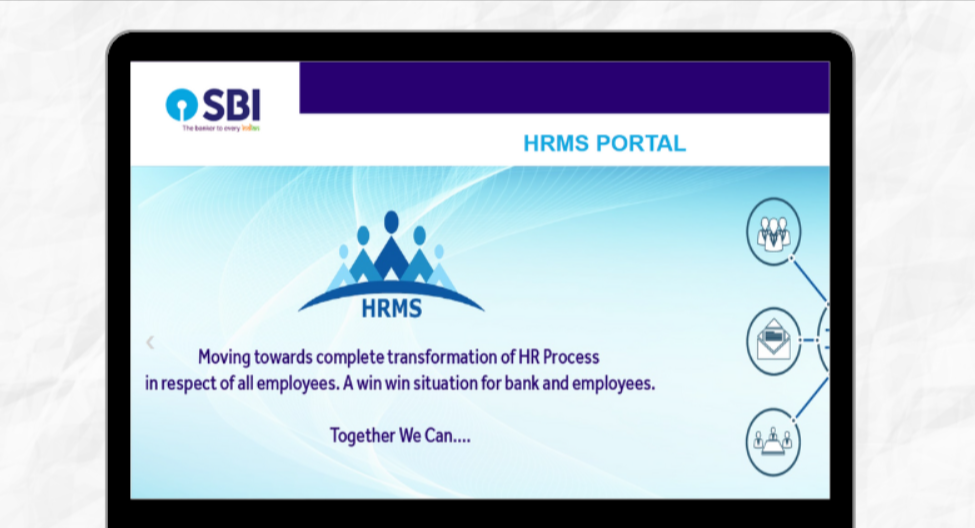
SBI HRMS is the State Bank of India’s online Human Resource Management System for its employees, pensioners and family pensioners. Staff use it for HR self-service tasks, and a companion mobile app, MyHRMS, brings many of these services to a phone. The portal’s address changed: SBI notified that the old URL, hrms.onlinesbi.com, was replaced by hrms.sbi with effect from 13 October 2023, and users of the old link are shown a message to use the new one.
SBI HRMS : Detailed Guide
| Item | Details |
|---|---|
| Organisation | State Bank of India |
| Official portal | https://hrms.sbi (replaced hrms.onlinesbi.com from 13 October 2023) |
| Mobile app | MyHRMS by State Bank of India (Android and iOS) |
| Users | Employees, pensioners and family pensioners; some guides add controllers and allied staff |
| Login ID | PF number (PF Index) |
| Credentials | Issued at joining; password reset on first login |
| Main services | Salary and pension slips, leave, Form 16 and tax details, reimbursements, PF and gratuity services, holiday homes |
| Help | A guide lists 1800-425-3800 and hrms.support@sbi.co.in; verify before use |
What Is SBI HRMS?
SBI HRMS is the bank’s employee self-service platform for managing personal and payroll-related HR tasks without visiting an office. Guides describe it as covering salary details, leave, provident fund, reimbursements and pension services for current and retired staff. The official MyHRMS app listing describes the app as being for SBI employees, pensioners and family pensioners.
SBI HRMS Portal Login: Step-by-Step Guide
On the web
- Open https://hrms.sbi in your browser. Type the address yourself or use a bookmark, and ignore other login pages.
- Enter your PF number as the user ID.
- Enter your password.
- Type the captcha.
- Click Login.
- On your first login, you will be prompted to reset your password. Set a strong new one immediately.
- Your dashboard then shows the services you can access.
On the MyHRMS app
- Search “MyHRMS” by State Bank of India in the Google Play Store or Apple App Store.
- Install the official app only.
- Open it and enter your PF number, password and captcha.
- After the first login, many users stay signed in on the app, which some guides call more convenient than repeated web logins.
Forgot your password? Use the Forgot Password option on the login page, or ask your branch or HR office to help. Keep your registered mobile number up to date.
Features of SBI HRMS
- Salary and pension slips: view or download payslips and pension slips.
- Leave management: apply for leave and, for managers, approve it.
- Form 16 and tax: tax forms, investment declarations and TDS details, as guides describe.
- PF, gratuity and nominations: check balances and handle gratuity proposals.
- Reimbursements: claims through Employee Self Service.
- Holiday homes: online booking for staff and pensioners.
- Pensioner services: pension ID download and video life certificate submission through the app.
- GEMS, profile and employee search: listed in the MyHRMS app description.
- Welfare features: the app description also lists items such as organ donation.
Which services you see depends on whether you are an employee, officer, pensioner or family pensioner.
Benefits of SBI HRMS
- Anytime access through web and mobile
- No branch visits for routine HR requests
- Faster processing of leave, claims and pension documents
- Transparency of pay, leave and tax data
- Support for retirees, including remote life certificate submission
- Less paperwork for staff and HR teams
Troubleshooting & Support
| Problem | What to try |
|---|---|
| Invalid user ID or password | Check caps lock and your PF number format, then use Forgot Password. |
| Account locked after repeated failures | Guides say wait about 30 minutes or contact support; avoid repeated guessing. |
| OTP not received | Confirm your registered mobile number and network; ask HR to update details. |
| Old link not working | Use hrms.sbi, as SBI’s own notice says. |
| App not logging in | Update to the latest MyHRMS version and check credentials. |
| Slow or blank pages | Clear cache, switch browser or network, retry later. |
| Unsure if a site is genuine | Do not log in; use only hrms.sbi or the official app. |
Contacts: One guide lists the SBI HRMS helpdesk at 1800-425-3800 and hrms.support@sbi.co.in. Confirm these through your branch or HR office before relying on them.
FAQ
What is the official SBI HRMS website?
hrms.sbi, which replaced hrms.onlinesbi.com from 13 October 2023.
Who can use SBI HRMS?
SBI employees, pensioners and family pensioners with valid credentials.
What is my user ID?
Your PF number.
How do I download my salary slip?
Log in, open the payroll or salary slip section, choose the month, and download.
Is there a mobile app?
Yes, MyHRMS on Android and iOS.
Can pensioners submit a life certificate online?
Yes, the app lists video life certificate submission.
What if my account is locked?
Wait for the lockout period, then try Forgot Password, or contact HR or the helpdesk.