 By admin
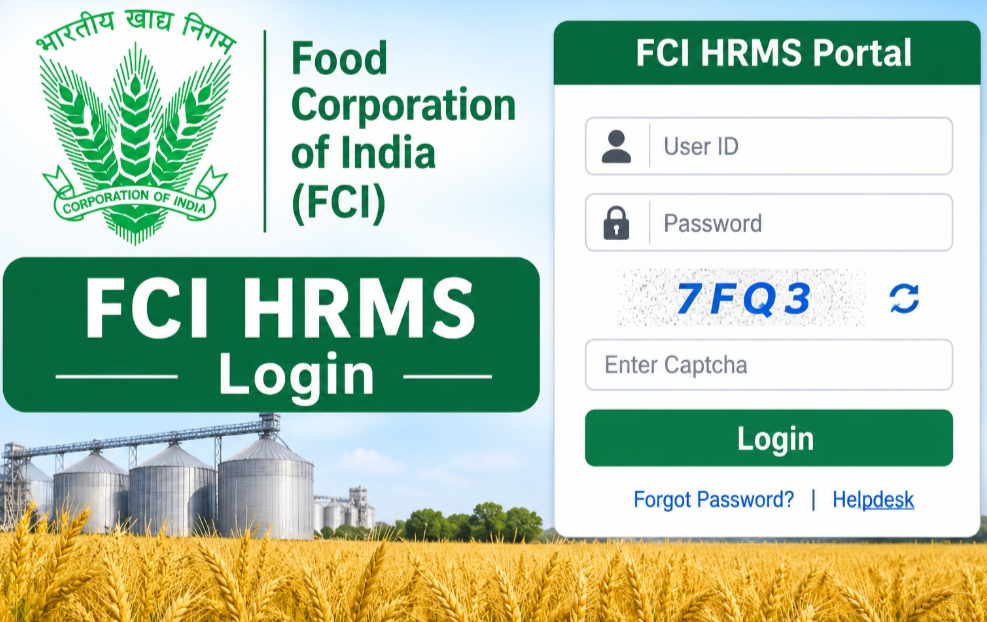
FCI HRMS is the Human Resource Management System of the Food Corporation of India, used by its officers and employees. The portal is at hrmsfci.in, and FCI’s own Employee Corner page links to the HRMS. Official user manuals are published on the HRMS site, so this guide leans on them instead of guesswork.
FCI HRMS at a Glance
| Item | Details |
|---|---|
| Organisation | Food Corporation of India (FCI) |
| Login page | https://www.hrmsfci.in/login |
| Users | FCI officers and employees; roles for employees, managers and competent authorities |
| Login ID | Employee number |
| Password | Shared by the FCI Computer/IT section |
| Login security | Captcha on web; OTP-verified MPIN on the mobile app |
| Session timeout | About 1 hour of inactivity |
| Official manuals | Employee Self Service, Core HR and mobile app manuals on hrmsfci.in |
| Support | hrmssupport.fci@gov.in, plus your nodal officer |
What Is FCI HRMS?
HRMS stands for Human Resource Management System. According to FCI’s Employee Self Service user manual, the ESS part of the system acts as an employee service portal where staff initiate, track and monitor service requests, and serves as a one-stop workspace linked to other HRMS areas. Users hold roles such as employee, manager or competent authority, and what they can view or approve depends on that role.
The FCI Employee Corner also lists an “ERS” address, ers.hrmsfci.in, under FCI-HRMS. I could not confirm exactly what ERS covers, so check with your nodal officer before using it.
HRMS FCI Portal Login: Step-by-Step Guide
- Open https://www.hrmsfci.in/login in a supported browser, such as a current version of Chrome, Firefox, Edge or Safari. Type the address or use a bookmark.
- Enter your Login ID, which is your employee number.
- Enter the password shared by the FCI Computer/IT section.
- Type the captcha shown on screen.
- Click Sign In to reach the home page.
- Use the left menu to open the Dashboard, Attendance, Leave, Reimbursement and other items.
- Log out using the sign-out option. The session also ends automatically after about an hour of inactivity.
Mobile app: FCI has an HRMS mobile app and a separate mobile user manual. The official troubleshooting table says the app verifies you by an SMS OTP to the mobile number provided during data migration, so keep that number correct. It supports Android 4.4 and above and iOS 12 and above.
Features of the FCI HRMS and ESS Portal
From the official manual:
- Employee dashboard: planned leaves, holidays, attendance and trainings at a glance.
- Manager dashboard (MSS): pending approvals and team attendance.
- Directory: organisation chart and employee hierarchy search by employee ID, name or office.
- Retirement benefit calculator: enter a date of separation to see gratuity, leave encashment and the total.
- Connect+: chat with employees across offices.
- My Profile: view and edit certain personal, work, nominee and emergency details, and raise a Profile Edit Request that goes to the nodal officer.
- Menus shown by icons: Attendance, Leave, Reimbursement, Training, Reports, Policies and Circulars, Survey, Performance and Help.
Guides add payroll slips, biometric attendance and performance management. Check what your dashboard actually shows.
General HRMS FCI Services
- Attendance and regularisation: biometric attendance, with a regularisation request if the fingerprint is not recognised.
- Leave: requests, balances and approvals, with a Personnel Division process to correct wrong leave balances.
- Reimbursement and requests: initiated and tracked through the portal.
- Service book: scanned service books may be linked for viewing.
- Policies and circulars: official notices in one place.
- Digital signature and eSign for competent authorities.
Benefits of HRMS FCI
- One workspace for requests, approvals and records
- Role-based access, so each person sees what their position allows
- Transparency about leave, attendance and profile data
- Less paperwork through online requests
- Mobile access with OTP-verified sign-in
- Faster support through nodal officers and a central helpdesk
Troubleshooting & Support
The official manual’s troubleshooting guidance:
| Problem | Official next step |
|---|---|
| Unable to log in | Contact the HRMS nodal officer to check your roles and permissions; if it continues, email your employee number, name and office to hrmssupport.fci@gov.in. |
| Cannot see profile information | Ask the nodal officer whether your data has been migrated; if not, submit the form and expect it within two working days. |
| Application will not open | Clear the browser cache and cookies, and use a supported browser. |
| Cannot upload documents | Files must be PDF or JPEG and up to 5 MB (service book excepted). |
| Fingerprint not recognised | Use the Attendance Regularization feature, and ask the nodal officer to reset your fingerprint if needed. |
| Wrong leave balance | The Personnel Division can correct it through the Leave Updation process. |
| Cannot generate MPIN on mobile | Check the mobile number registered during migration, then email support. |
| Lost or damaged phone or PC | Inform hrmssupport.fci@gov.in immediately so your profile can be made inactive. |
The manual also lists a vendor helpdesk address for further help, but contact your nodal officer first.
FAQ
What is the official FCI HRMS login page?
https://www.hrmsfci.in/login.
What is my user ID?
Your employee number.
Who gives me the password?
The FCI Computer/IT section.
Who can see my information?
Visibility follows the organisation hierarchy. For example, HQ staff can see more than a Divisional Office employee.
Is there a mobile app?
Yes. It uses SMS OTP verification and an MPIN.
Who do I contact first for problems?
Your HRMS nodal officer.